A business messenger should reduce coordination work. Yet many teams replace scattered email and personal chats with a new app, then recreate the same confusion inside dozens of channels, private messages, and notification streams.
The buying decision is not simply Slack versus Teams versus another chat tool. It is a decision about where conversations live, who can access them, how work becomes accountable, and what happens to company information when an employee or contractor leaves.
This guide shows US small businesses how to choose a business messenger by testing daily workflows, security controls, administration, integrations, and total cost.
Short answer: Choose a business messenger by mapping the conversations your team handles every day, then testing each platform with the same real work. Prioritize clear organization, reliable calls, useful file and task handling, controlled guest access, strong account administration, searchable history, and clean offboarding. Compare the complete cost of the communication stack, not only the chat subscription.

Start with the work your messenger must carry
Write down the communication patterns already happening across email, personal messaging apps, phone calls, video meetings, shared drives, and task tools. The goal is not to move every notification into one app. It is to decide which conversations should become part of the company’s shared working record.
For most small businesses, the list includes:
- one-to-one employee conversations;
- project and department groups;
- voice and video calls;
- files, images, voice notes, and links;
- tasks and deadlines created from conversations;
- communication with clients, vendors, and contractors;
- announcements that should not become open discussion threads;
- searchable decisions and reference material;
- urgent communication with field or remote employees.
Assign an owner and retention expectation to each workflow. A project channel may need a long searchable history, while a temporary event group may not. A client group may require carefully restricted participant visibility. A field-service chat may need live location and fast mobile calling more than advanced document collaboration.
Nine criteria for choosing a business messenger
1. Communication modes that match the team
What to check: direct and group chat, channels, voice messages, voice and video calls, screen sharing, conference size, external calling, SMS, and device switching.
Test the modes people will actually use. If employees regularly call clients who do not have the app, confirm whether external phone calls are supported and how they are billed. If field teams send voice messages and photos, test upload speed and playback on a weak mobile connection.
2. Information organization and search
What to check: channel structure, threads, pinned items, bookmarks, shared resources, message history, filters, file search, and results across multiple workspaces.
A messenger should help employees recover a decision without remembering who said it. During a trial, search for a phrase, file, person, date, and project. Then ask a new employee to locate the final decision without help. This exposes whether the workspace creates institutional memory or simply another fast-moving feed.
3. Tasks and accountability
What to check: task creation from a message, assignee, deadline, reminders, status, task view, and integration with the team’s project system.
Messages create awareness; tasks create ownership. If an employee must copy every request into another product, measure that work honestly. JotLink Messenger includes a task manager that turns a chat item into a tracked assignment with an owner and deadline.
4. External collaboration and guest control
What to check: guest accounts, shared channels, participant visibility, domain restrictions, approval rules, expiration dates, and the ability to prevent private contact between selected participants.
Client and contractor access deserves its own test. Confirm exactly what an external participant can see, search, download, forward, and retain. JotLink offers anonymous groups in which only the organizer sees participant identities, which can be useful when a business needs a shared conversation without exposing everyone else’s contact details.
5. Security, privacy, and administration
What to check: individual accounts, multifactor authentication, encryption, role-based permissions, device and session controls, audit records, data residency options, retention policies, legal hold where required, and administrator access.
End-to-end encryption and administrative visibility solve different problems. Ask the vendor to explain who can access message content, how keys are managed, what administrators can export, and which controls change by plan. JotLink states that Messenger messages, files, voice notes, and calls are end-to-end encrypted by default.
The Federal Trade Commission recommends limiting access according to business need, protecting information through its lifecycle, and reviewing service-provider safeguards. Apply those principles to chat history, shared files, mobile devices, guest access, and integrations.
6. Data retention, export, and offboarding
What to check: retention periods, deletion behavior, account deactivation, ownership transfer, mobile session removal, export formats, and what remains after a user leaves.
Run an offboarding test before purchase. Disable a pilot user and confirm whether company conversations remain available, private information is protected, active sessions close, shared links stop working where appropriate, and the administrator can preserve or export the required record.
7. Integrations and automation
What to check: calendar, cloud storage, CRM, telephony, help desk, forms, workflow automation, API, webhooks, and identity provider support.
Do not score integrations by logo count. Choose three real workflows and test the data that moves in both directions. For example, can a missed call create a message for the right team, can a customer conversation attach to the CRM record, and can a message become a task without losing its context?
JotLink connects Messenger with Telephony and CRM, reducing the number of separate connectors a communication-heavy business must maintain.
8. Mobile and multi-device usability
What to check: iOS, Android, Windows, macOS, browser access, device limits, account switching, notification controls, offline behavior, and mobile administration.
A desktop demonstration cannot represent a field team. Ask employees to switch between phone and computer, answer a call, find a file, complete a task, and mute nonessential groups. JotLink supports one account on unlimited simultaneous devices and up to three separate accounts in one app.
9. Support, adoption, and long-term administration
What to check: onboarding, help documentation, support channels and hours, administrator training, service commitments, accessibility, language support, and product-change communication.
The easiest interface is not always the easiest system to govern. Estimate the ongoing work required to add users, design channels, review guests, maintain integrations, answer employee questions, and clean up abandoned spaces.
Separate must-have features from attractive extras
| Priority | Meaning | Messenger example | Decision rule |
|---|---|---|---|
| Must have | The daily workflow fails without it | Controlled client groups for a service team | Reject a platform that cannot demonstrate it |
| Should have | Removes meaningful manual work | Create a tracked task directly from a message | Score it heavily and test reliability |
| Could have | Useful after adoption is stable | AI-generated conversation summaries | Add it only if the use case and data rules are clear |
| Not needed now | Does not support a current requirement | Enterprise governance for a five-person team | Do not pay for unused complexity |
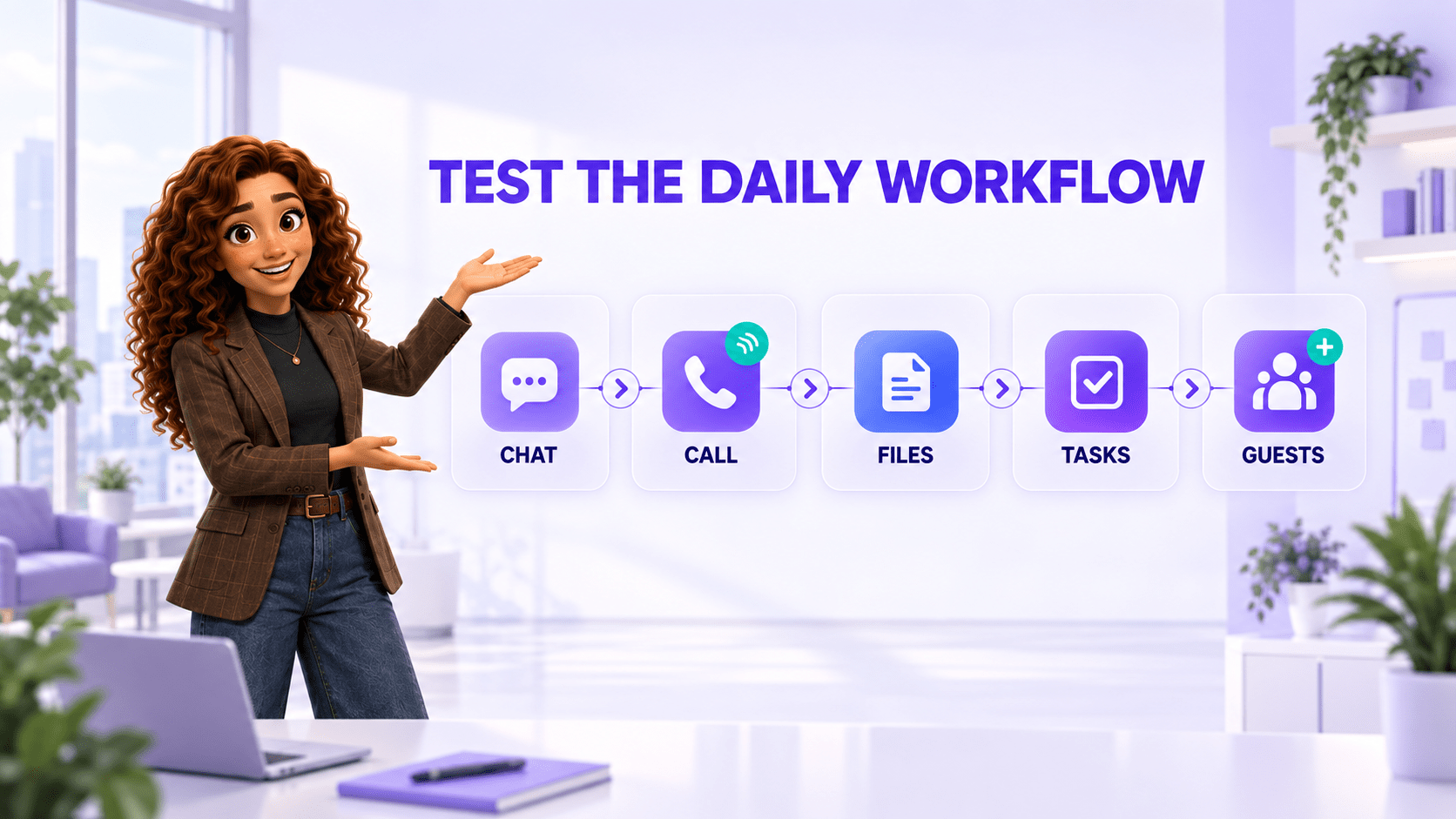
Test every messenger with the same daily workflows
Workflow 1: Turn a conversation into accountable work
Send a customer request into a project group. Assign it, add a deadline, attach a file, update its status, and find the completed result later. Count the manual steps and separate products required.
Workflow 2: Move from text to a live call
Start with a direct message, add another employee, launch a voice or video call, share a screen, and return to the written context. Test on desktop and mobile.
Workflow 3: Collaborate with an external participant
Invite a contractor or client. Verify what the guest can discover, search, download, forward, and retain. Remove the guest and inspect what access remains.
Workflow 4: Find a decision from thirty days ago
Search for a specific phrase, attachment, date, and person. Confirm whether history limits or plan restrictions prevent the team from finding older work.
Workflow 5: Offboard an employee
Deactivate the account, close device sessions, transfer responsibilities, preserve required history, and review audit records. Note every manual workaround.

Business messenger pricing in the United States
The plans below provide useful reference points, but they are not equivalent. Some are dedicated messengers, while others bundle email, storage, meetings, or business phone service.
| Provider and plan | Public price in USD | Important context |
|---|---|---|
| JotLink Messenger | $0 per user per month for the core Messenger | Includes business chat, groups, files, internal voice and video calls, tasks, end-to-end encryption, and multi-device access. External calls, SMS, numbers, Telephony, CRM, and usage-based AI services can create separate charges. |
| Slack Pro | $7.25 per active user per month billed annually, or $8.75 monthly | Includes full message history, group huddles, Slack Connect, workflows, and app integrations. Compare security and administration needs with Business+. |
| Microsoft Teams Essentials | $4 per user per month, paid yearly | Includes chat, calls, meetings, file collaboration, recordings, transcripts, and 10 GB storage per user. Microsoft 365 Business Basic is $6 per user per month on annual billing. |
| Google Workspace Business Starter | $7 per user per month with a one-year commitment, or $8.40 on the flexible plan | Google Chat is part of a wider bundle that includes business email, Drive, Meet, and productivity tools. Promotional pricing may apply to new customers. |
| RingCentral RingEX | Dynamic quote based on users and billing term | RingEX bundles team messaging with phone and video. The official US page advertises annual savings up to 33%, but the final base price depends on the selected configuration. |
Prices were checked on official US pages on September 17, 2026. Promotions, packaging, limits, and renewal terms can change. Verify the final quote before publication or purchase.
Compare the full communication cost
For a ten-person team, the visible annual subscription is approximately $0 for JotLink core Messenger, $870 for Slack Pro on annual billing, $480 for Teams Essentials, and $840 for Google Workspace Business Starter. Those totals still do not answer which option costs less to operate.
Add the costs of:
- business email, cloud storage, meetings, and phone service not included in the selected product;
- external calling, SMS, numbers, storage, AI, and premium security features;
- integration tools and time spent maintaining them;
- migration, workspace design, policy setup, and employee training;
- ongoing administration, guest reviews, data exports, and support.
Annual messenger cost = subscriptions + paid add-ons + connected tools + implementation + ongoing administration.
Which platform fits which team?
JotLink: communication-centered work in one ecosystem
Consider JotLink when: the business wants a free private messenger connected to calling, CRM, tasks, translation, and business communication features rather than a general productivity suite.
Test the features that matter to your team, especially external calling, SMS, AI, and paid modules. The core Messenger is free, but additional services should be priced separately.
Slack: channel-based collaboration and integrations
Consider Slack when: the team values a mature channel model, a large integration ecosystem, searchable history, workflows, and external collaboration through Slack Connect.
Map required identity, compliance, security, and administration features to the correct paid tier rather than assuming Pro covers every governance requirement.
Microsoft Teams: collaboration inside Microsoft 365
Consider Teams when: employees already work in Microsoft 365 and need chat, meetings, files, identity, and office applications to share one environment.
Compare standalone Teams Essentials with Business Basic or Standard, then add any phone, advanced meeting, security, or Copilot features the workflow requires.
Google Chat: collaboration inside Google Workspace
Consider Google Chat when: Gmail, Drive, Meet, Calendar, and Docs already form the center of the company’s work.
The relevant price is the Workspace edition, not a separate Chat license. Evaluate retention, external spaces, administrative controls, storage, and meeting needs at the chosen tier.
RingCentral: messaging bundled with business communications
Consider RingCentral when: the business wants team messaging, meetings, and a mature business phone system from one provider.
Request a complete written quote and separate base seats, phone features, numbers, SMS, AI, advanced queues, implementation, and support.
Use a 30-day pilot before moving the whole company
- Week 1: design the workspace. Define naming rules, groups, owners, guests, retention, notifications, and the few integrations needed for the pilot.
- Week 2: run real work. Complete the five workflows with a representative group of office, remote, field, and management users.
- Week 3: test control. Add and remove guests, change roles, export data, review active sessions, and offboard a test user.
- Week 4: measure and decide. Compare adoption, search success, response time, manual steps, support quality, security gaps, and full cost.
Common selection mistakes
- Choosing the app employees already know. Familiarity does not prove that company data, guests, or offboarding are controlled.
- Creating too many channels immediately. Excess structure makes search and notification overload worse.
- Confusing encryption with complete security. Identity, permissions, devices, retention, exports, and integrations also matter.
- Ignoring external participants. Guest collaboration can become the largest data-control gap.
- Comparing only subscription prices. A low chat price may require separate meetings, storage, phone, task, and integration products.
- Leaving the workspace without an owner. Channels, guests, policies, and integrations decay without regular administration.
Frequently asked questions
What is the most important feature in a business messenger?
The most important capability is dependable support for the team’s daily communication workflow. For many small businesses, that means organized chat, fast calls, searchable history, files, task ownership, controlled external collaboration, and secure administration.
Is a free business messenger enough?
It can be. Check history limits, storage, call size, guests, security, exports, integrations, support, and paid communication usage. A free license is valuable only when the complete workflow remains usable.
How many messenger platforms should a company evaluate?
A shortlist of three or four is usually enough. Eliminate products that fail a must-have requirement before investing time in a detailed pilot.
Should business conversations stay out of personal messaging apps?
Usually yes. A dedicated business workspace improves ownership, access control, offboarding, search, and separation between personal and company communication.
Does JotLink Messenger really cost $0?
The core JotLink Messenger is free per user. Paid items can include external calls, SMS, virtual numbers, Telephony, CRM, eSIM, AI Voice Agent, and AI Analytics. Price the selected configuration rather than treating every JotLink service as free.
How long should a messenger pilot last?
Two to four weeks is usually sufficient for a focused small-business pilot. Include normal communication, a live call, a guest, search, file and task handling, mobile use, and offboarding.
The bottom line
The best business messenger is not the app with the longest integration directory or the most familiar interface. It is the one that keeps daily work understandable, makes commitments accountable, protects company information, and remains manageable after the first wave of enthusiasm.
Map the workflows, define the must-haves, test real scenarios, inspect the security model, and compare the complete communication stack.
Start with the core JotLink Messenger free for your team.