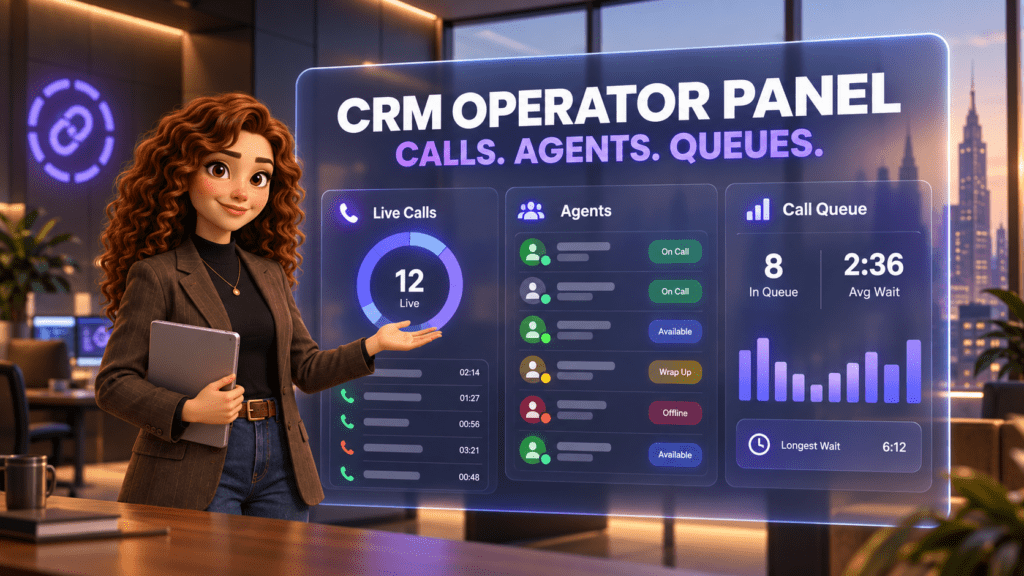
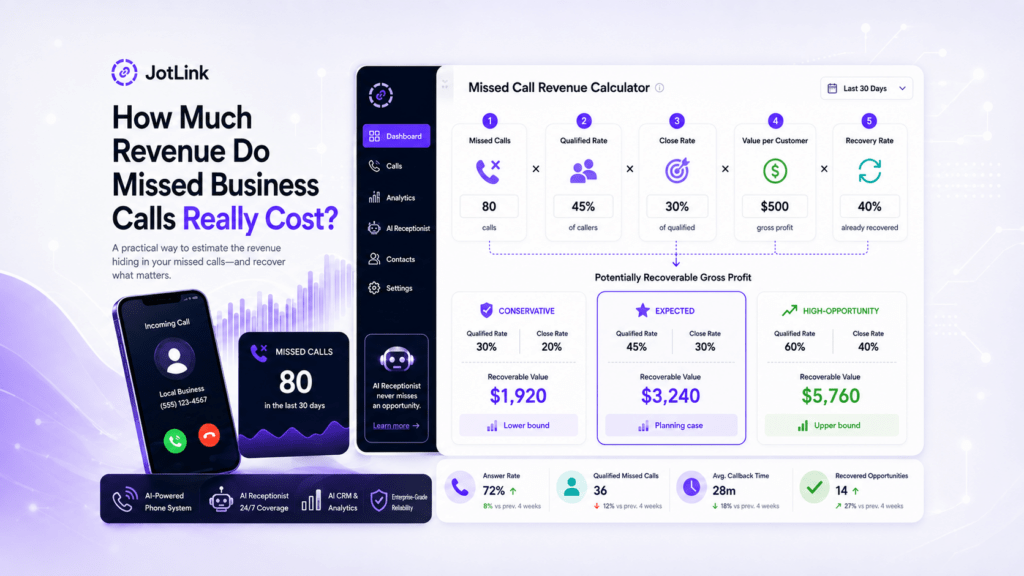
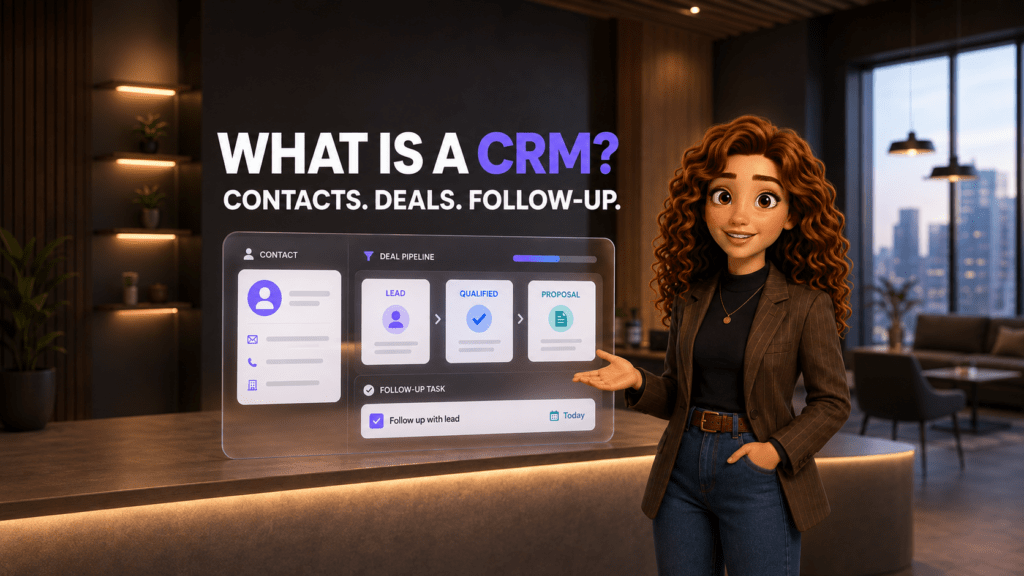
A CRM can look impressive in a demo and still become an expensive address book six months later. The problem is rarely a missing button. It is usually a mismatch between the software and the way the team actually handles leads, calls, messages, follow-ups, and customer records.
The right CRM should make the next action obvious, preserve the history behind every customer relationship, and reduce manual work. It should also fit the budget after implementation, integrations, add-ons, and training are included.
This guide explains how to choose a CRM for a US small business, which features deserve priority, what hidden costs to examine, and how current provider prices compare.
Short answer: Choose a CRM by mapping your real customer journey first, turning that workflow into a short list of required capabilities, and testing each platform with realistic scenarios. Compare total operating cost rather than the advertised license alone. The best CRM is the one your team can use consistently without rebuilding its process around the software.
Start with the customer journey, not the feature list
Before opening a pricing page, write down what happens from the moment a prospect contacts the business until the relationship ends or renews. Use the real process, including the messy parts.
A service business might receive an inquiry by phone, website form, SMS, email, or social message. Someone must identify the person, understand the request, assign an owner, schedule a follow-up, prepare a quote, record the outcome, and keep the history available for the next employee.
If that journey is not clear, a long CRM feature list will create more confusion. Begin with five questions:
- Where do new inquiries arrive? List every channel the team actually uses.
- Who owns the next action? Define how leads, customers, and support requests are assigned.
- Which stages matter? Name the steps that must be visible in the pipeline.
- What information must follow the customer? Include calls, messages, emails, notes, files, appointments, and deal history.
- Where does work currently break? Look for missed callbacks, duplicate records, stale spreadsheets, unclear ownership, and reporting gaps.
This process map becomes the standard against which every CRM is evaluated. It prevents an attractive demo from replacing a business requirement.
What CRM features should a small business prioritize?
Most teams do not need every feature on day one. They need a reliable foundation that solves the current operating problems and leaves room to grow.
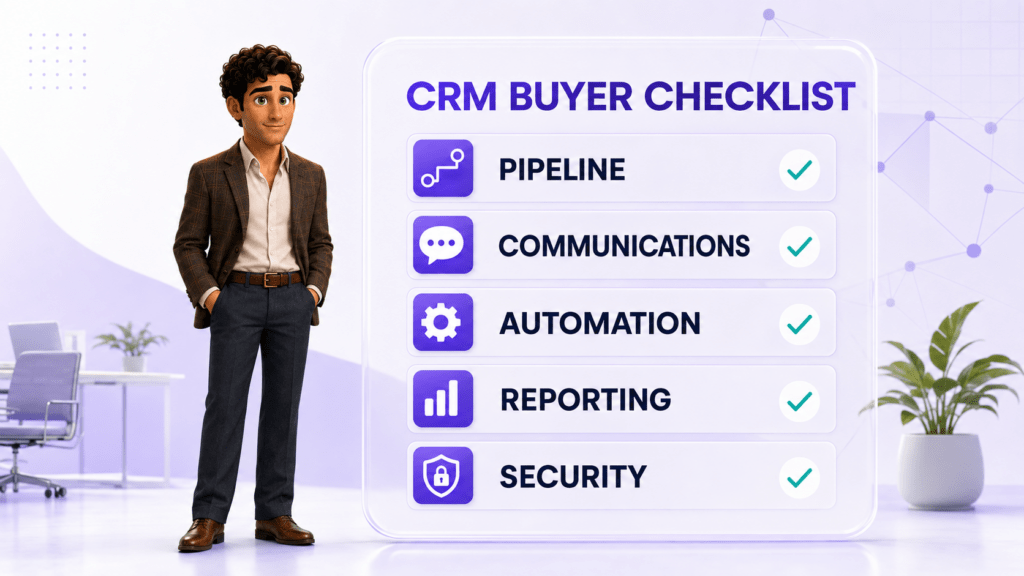
1. A pipeline that matches the sales process
What to look for: customizable stages, clear deal ownership, expected value, next activity, due dates, and filters by employee, source, or status.
A pipeline should show where each opportunity stands and what must happen next. If employees need a separate spreadsheet to explain the CRM, the pipeline is not doing its job.
2. One usable customer record
What to look for: contact and company details, assigned owner, open deals, notes, tasks, files, and a chronological activity timeline.
The record should help an employee prepare for a conversation in seconds. Test whether a new team member can understand the relationship without asking several colleagues for context.
3. Communication history
What to look for: email synchronization, call logging, SMS, messenger history, and clear rules for matching conversations to the correct contact.
Communication integration matters because customer context often lives outside the CRM. A platform that requires employees to copy call notes and messages manually will gradually collect incomplete data.
4. Follow-up and workflow automation
What to look for: task creation, reminders, lead assignment, stage-based actions, simple sequences, and safeguards against duplicate or inappropriate messages.
Automation should remove repetitive steps from a defined process. It should not hide an unclear process behind more software. Ask how an employee can see why an action happened, pause it, and correct it.
5. Reporting that answers operating questions
What to look for: lead sources, response time, stage conversion, win rate, time to close, lost reasons, overdue activities, and team workload.
Start with questions the business already asks. For example: Which lead sources produce qualified opportunities? Where do deals stall? Which customers have no scheduled next step? A dashboard is useful only when the underlying data is complete enough to trust.
6. Permissions and security
What to look for: individual accounts, role-based access, multifactor authentication, audit history, export controls, data retention settings, backup practices, and a documented process for removing former employees.
The Federal Trade Commission advises businesses to collect only the information they need, restrict access according to business need, use strong authentication, and protect sensitive information throughout its lifecycle. A CRM vendor should make those practices possible without excessive administrative work.
7. Adoption and day-to-day usability
What to look for: a clear home screen, fast record creation, useful search, mobile access, bulk editing, simple imports, and an interface employees can understand without constant administrator support.
Ask the people who will use the CRM to complete normal work during the trial. Executive approval is not evidence of employee adoption.
8. Integrations, API access, and data portability
What to look for: native connections to the phone system, email, calendar, forms, accounting tools, marketing platforms, and any industry-specific software the business cannot replace.
Also confirm how data can be exported. A business should know whether contacts, activities, notes, files, call records, and custom fields can leave the platform in a usable format.
Separate must-have features from nice-to-have features
A simple priority table keeps the selection process disciplined. Assign each requirement before talking to vendors.
| Priority | Definition | Example | Decision rule |
|---|---|---|---|
| Must have | The business cannot run the intended workflow without it | Automatic call logging for a phone-heavy sales team | Reject a platform that cannot provide it reliably |
| Should have | Meaningfully improves efficiency but has a temporary workaround | Automatic lead assignment by territory | Score it heavily and confirm the implementation effort |
| Could have | Useful after adoption is stable | Advanced forecasting or custom dashboards | Do not pay for it at the expense of core workflow fit |
| Not needed now | Does not solve a current or planned business requirement | Enterprise customization for a five-person team | Exclude it from the buying decision |
A team should be able to explain every must-have in operational language. “We need AI” is vague. “We need every inbound call summarized and attached to the correct customer record” can be demonstrated and tested.
Test every CRM with the same real-world scenarios
A guided demonstration shows the vendor’s strongest path. A useful evaluation shows what happens in your path. Give each shortlisted provider the same scenarios and ask to see the full workflow.
Scenario 1: A new prospect calls
Can the system identify an existing contact, create a new lead when needed, log the call, assign an owner, and schedule the next action? How much manual entry remains?
Scenario 2: The customer switches channels
A person calls, then sends an email or text. Can the employee see one coherent history, or do the conversations appear in separate places?
Scenario 3: An employee is unavailable
Can another employee understand the current status and continue the conversation? What happens to overdue tasks and unanswered inquiries?
Scenario 4: A manager needs an answer
Ask for the number of new leads, the source of won deals, opportunities without a next step, and average time spent in each stage. Confirm whether the report is included in the proposed plan.
Scenario 5: A user leaves the company
Can an administrator disable access, transfer records and tasks, preserve the activity history, and review changes? This exposes weaknesses in permissions and ownership rules.
Record the number of clicks, manual entries, workarounds, add-ons, and administrator actions required. A platform that completes the demo only after extensive customization should not receive the same score as one that works with standard configuration.
How much does CRM software cost in the United States?
CRM pricing usually begins with a per-user subscription, but the billing structure differs by provider. Some advertise annual-contract prices. Some offer a free edition with limits. Some display a promotional rate beside a higher standard price. The plans below are useful reference points, not direct equivalents.
| Provider and plan | Public starting price in USD | Important context |
|---|---|---|
| JotLink CRM | $15 per user per month | JotLink lists its CRM with pipeline, contact management, timelines, communication history, task tools, and CRM insights. JotLink AI Analytics for call-recording analysis is a separate usage-based service. |
| HubSpot Free Tools and Starter Customer Platform | $0 for up to 2 users; Starter currently displays $7 per seat per month promotional pricing and $20 standard pricing | The offer is marked for new customers and may be limited. Confirm billing period, included Hubs, contact limits, credits, and renewal price. |
| Zoho CRM Standard | $14 per user per month, billed annually | Zoho also lists a free edition for up to 3 users. The pricing calculator notes that add-ons and taxes may increase the estimate. |
| Pipedrive Lite | $14 per seat per month, billed annually | The page shows one annual payment of $168 per seat. Higher tiers add email synchronization, automations, sequences, forecasting, and other capabilities. |
| Salesforce Starter Suite | $25 per user per month | Salesforce states that Starter can be billed monthly or annually. Compare the Starter feature limits with paid add-ons, support, and future customization needs. |
These public prices were checked on official US pages on September 7, 2026. Vendors can change promotions, packaging, limits, and renewal terms. Verify the final quote and contract before publishing a comparison or making a purchase.
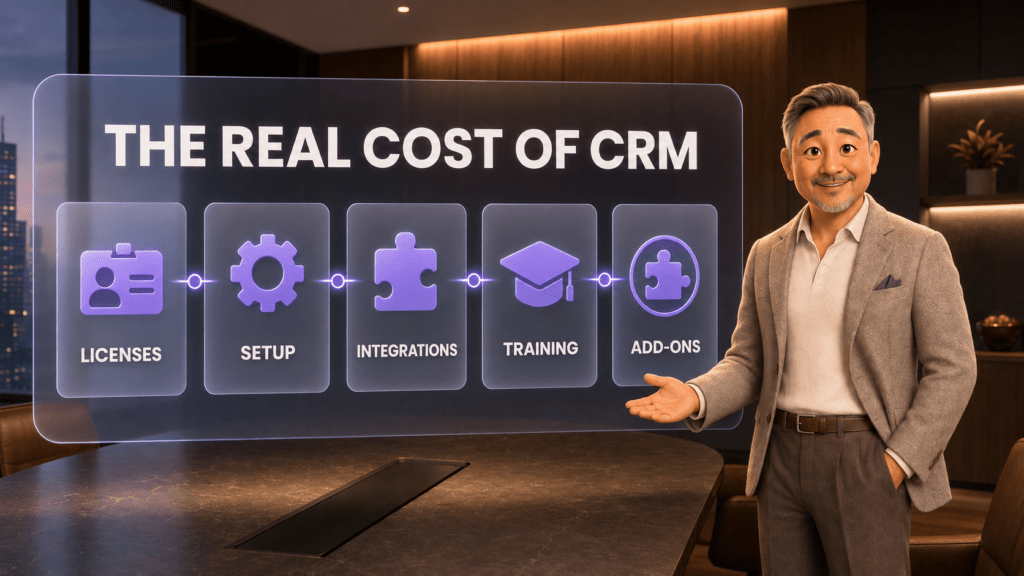
Calculate the real cost of CRM
The license is only one line in the budget. A realistic first-year estimate should include:
- Subscriptions: paid seats, required tiers, storage, usage credits, and premium support;
- Implementation: process design, configuration, custom fields, permissions, and testing;
- Migration: data cleanup, deduplication, mapping, imports, files, and historical activities;
- Integrations: phone, email, calendar, forms, accounting, marketing, and connector fees;
- Training: employee time, administrator training, documentation, and onboarding for future hires;
- Maintenance: workflow changes, reporting updates, access reviews, data quality checks, and vendor management;
- Parallel tools: software the CRM does not replace, such as a separate phone system, messenger, scheduling tool, or analytics service.
A simple model is:
First-year CRM cost = annual subscriptions + implementation + migration + integrations + training + ongoing administration.
Calculate the same model for every finalist. If one option requires three additional products and a consultant, compare that complete stack with the complete cost of the alternatives.
How the main CRM options differ
There is no universally best CRM. Different products are strongest for different operating models.
JotLink CRM: communication-centered customer management
Consider JotLink when: calls and messages are central to the customer journey and the business wants CRM, Telephony, and Messenger to share one operating context.
JotLink CRM is designed around a visual sales pipeline, customer timelines, tasks, communication history, and CRM insights. Public CRM pricing is $15 per user per month. Confirm which communication modules and usage-based AI services are needed for the proposed workflow.
HubSpot: a broad customer platform with a free entry point
Consider HubSpot when: the company wants to begin with free foundational tools and may later connect sales, marketing, service, content, and data products within one ecosystem.
Pay close attention to the exact Hubs, contacts, seats, credits, limits, promotional terms, and renewal pricing required for the future state, not only the free starting point.
Zoho CRM: configurable CRM within a larger software suite
Consider Zoho when: the business wants a comparatively low annual starting price, traditional sales automation, and access to a broad family of business applications.
Test the specific integrations and administrative experience your team will use. A large product ecosystem is valuable only if the chosen configuration remains understandable.
Pipedrive: visual sales pipeline focus
Consider Pipedrive when: the main need is a clear sales pipeline and activity-based deal management.
Map required email, automation, lead-generation, forecasting, and project features to the correct tier. The Lite price should not be used if the workflow depends on capabilities included only in a higher plan or add-on.
Salesforce Starter Suite: a path into the Salesforce ecosystem
Consider Salesforce when: the business wants an entry point that may grow into deeper Salesforce sales, service, marketing, commerce, app, and partner capabilities.
Evaluate the administrative load and likely upgrade path early. The cost of future configuration, add-ons, support, and specialist help may matter more than the first Starter invoice.
Use a weighted CRM scorecard
A scorecard turns opinions into a visible decision. Give each category a weight based on business importance, then rate every platform from 1 to 5 using evidence from the trial.
| Category | Example weight | Evidence to collect |
|---|---|---|
| Workflow fit | 25% | Results from the five real-world scenarios |
| Communication and integrations | 20% | Native connections, data flow, reliability, and manual work |
| Ease of use | 15% | User testing, task completion, and training needs |
| Reporting | 10% | Answers to the manager’s actual questions |
| Security and administration | 10% | Permissions, authentication, audit history, and offboarding |
| Total cost | 15% | Three-year estimate including every required component |
| Vendor and support fit | 5% | Response quality, onboarding, documentation, and contract terms |
Change the weights to match the business. A ten-person call center may assign more weight to telephony and routing. A regulated practice may place security, permissions, retention, and vendor review at the top.
Run a short CRM pilot before committing
A two-to-four-week pilot is long enough to expose many workflow and adoption issues without turning evaluation into a permanent project.
- Choose a small representative team. Include a manager, daily users, and the person who will administer the CRM.
- Use a limited but realistic dataset. Import enough contacts, deals, and activities to test normal work without moving the full database.
- Configure only the essential workflow. Avoid polishing optional dashboards before the core process works.
- Complete the same scenarios. Track time, errors, workarounds, missing information, and user questions.
- Measure a few outcomes. Examples include records with a next step, follow-ups completed on time, manually logged calls, duplicate contacts, and time required to prepare for a customer conversation.
- Hold a decision review. Compare the evidence, scorecards, costs, risks, and unresolved questions before signing.
Plan the migration before buying
A CRM project can fail even when the software is suitable. Data and ownership must be prepared before launch.
Clean the source data
Remove obvious duplicates, obsolete records, and fields no one understands. Decide which historical activities and files are genuinely useful.
Define field ownership
Name who maintains required fields, pipeline stages, automation rules, permissions, reports, and integrations. “The team” is not an owner.
Map and test the import
Run a sample import first. Check contact names, companies, owners, dates, phone formats, custom fields, activities, and relationships between records.
Protect the rollback path
Keep a validated export of the original data and document the migration steps. Do not destroy the source system until the new records, permissions, integrations, and reports have been verified.
Train around jobs, not menus
Teach employees how to handle a new lead, prepare for a call, schedule a follow-up, move a deal, and correct a record. Task-based training is easier to apply than a tour of every screen.
Common CRM selection mistakes
- Buying for the largest possible future. Paying for enterprise complexity before the basic workflow is stable can slow adoption.
- Choosing on price alone. A lower license can become more expensive after required tiers, add-ons, integrations, and manual work are included.
- Choosing on features alone. A long feature list cannot compensate for a poor match with the customer journey.
- Leaving users out of the trial. Managers and buyers do not experience the same friction as employees who update records all day.
- Automating bad data. Workflow rules spread duplicate, incomplete, or inconsistent information faster.
- Ignoring exit options. Data export and contract terms matter before the relationship becomes difficult.
- Treating implementation as a one-time event. Pipelines, reports, permissions, and training need an owner after launch.
Frequently asked questions
What is the most important feature in a CRM?
The most important feature is reliable support for the business’s core customer workflow. For many small businesses, that means one customer record, a clear pipeline, assigned next actions, communication history, and reporting based on complete data.
How many CRM platforms should a business evaluate?
A focused shortlist of three to five platforms is usually enough. Use written requirements to eliminate poor fits before scheduling deep demonstrations.
Should a small business use a free CRM?
A free CRM can work when its user, feature, storage, support, and integration limits match the process. Evaluate the likely paid upgrade path before investing time in configuration and migration.
How much should a small business expect to pay for CRM?
Public entry prices in this comparison range from free plans to $25 per user per month, with JotLink at $15 per user per month. The actual cost depends on seats, billing term, required tier, implementation, data migration, integrations, training, support, and add-ons.
How long should a CRM trial last?
Two to four weeks is often enough for a focused small-business pilot. The goal is not to explore every feature. It is to complete representative tasks, test data flow, and identify the true operating cost.
When should a business replace spreadsheets with a CRM?
Replace spreadsheets when several people need the same customer history, ownership becomes unclear, follow-ups are missed, reporting requires manual reconstruction, or calls and messages cannot be connected to the customer record.
Is CRM implementation finished after launch?
No. A CRM needs ongoing ownership for data quality, permissions, automations, reports, user onboarding, and process changes. Plan that work as part of the operating cost.
The bottom line
The best CRM is not the one with the longest feature page. It is the one that fits the customer journey, keeps the record complete, helps employees take the next action, and produces trustworthy answers at a sustainable total cost.
Map the workflow. Define the must-haves. Test every finalist with the same scenarios. Calculate the full first-year and three-year cost. Then run a small pilot before moving the entire business.
If calls and messages are central to your customer relationships, see JotLink CRM for $15 per user per month and request a demo.