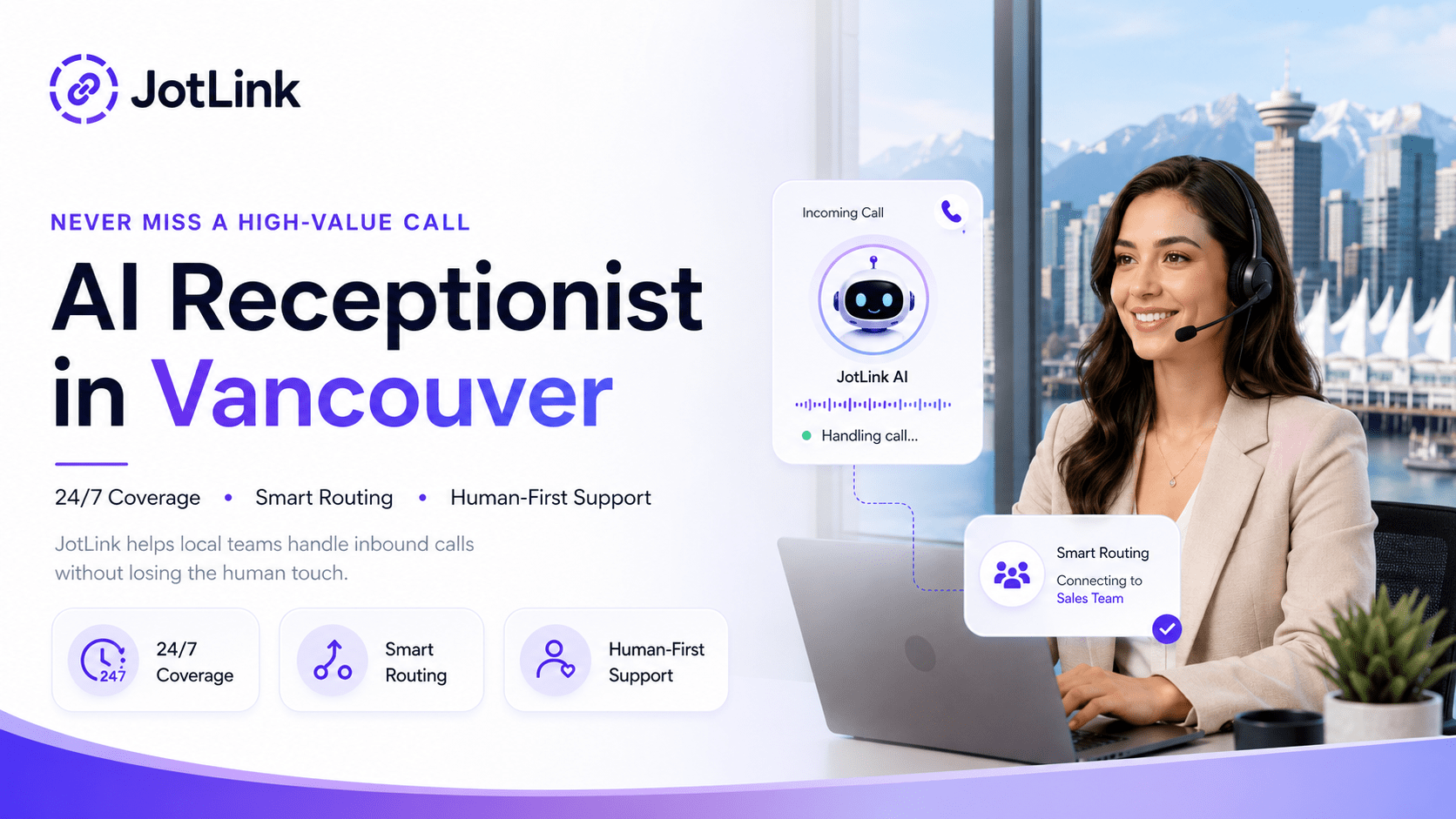
Deploying an AI receptionist is not a plug-and-play moment — it is a short project. Done right, it takes days, not months: you decide which calls the AI should own, connect your phone number and calendar, define when a human takes over, and review the first week of transcripts. This guide walks through the five steps we see work across service businesses.
Step 1: Decide which calls the AI should own
Start with the calls that are frequent, repetitive, and low-risk: office hours, directions, pricing basics, appointment booking, and rescheduling. Leave complex complaints, billing disputes, and emergencies with your team from day one.
A simple exercise: pull one week of call logs and sort them into “routine” and “needs a human.” Most service businesses find the routine bucket is the clear majority — and that bucket is your launch scope.
Step 2: Connect your number, calendar, and CRM
An AI receptionist that cannot book anything is just a fancier voicemail. Before launch, connect:
- Your business number — forward after-hours or overflow calls first if you want a low-risk start.
- Your calendar — so the AI books real slots instead of taking messages. See how this works in AI appointment automation.
- Your CRM — every call should create or update a contact with a summary attached. With JotLink CRM this happens automatically.
Step 3: Write the escalation rules before you need them
The most important configuration is not what the AI says — it is when it stops talking. Define explicit hand-off triggers: the caller asks for a human, mentions an emergency, sounds frustrated, or raises a topic outside the AI’s scope. Route those calls to a person immediately, with the conversation summary attached so nobody starts from zero.
Step 4: Launch narrow, then widen
A proven rollout order:
- Week 1: after-hours and overflow calls only.
- Week 2: add booking and rescheduling during business hours.
- Week 3+: add FAQ handling, reminders, and follow-up texts.
This sequence means the AI proves itself on calls you were missing anyway before it touches your main line.
Step 5: Review transcripts weekly and tune
Read the first week of transcripts — all of them. You will find questions you did not anticipate, phrasing to improve, and hand-off rules to tighten. After that, a weekly review of flagged calls is enough. AI call analytics can score every conversation automatically so you only read the ones that need attention.
What it costs
With JotLink, AI voice handling is priced at $5 per 100 minutes, on top of cloud telephony from $15 per user per month. There is no per-call markup and no long-term contract, which makes a narrow pilot cheap to run.
Frequently asked questions
How long does deployment take? Most teams go live on after-hours calls within a few days; full rollout typically lands within two to three weeks.
Do I need to change my phone number? No. You forward your existing number or route only overflow and after-hours calls to the AI.
What happens when the AI cannot help? It transfers to a person you designate and passes along a summary of the conversation so far.
Ready to scope your rollout? See how the JotLink AI Receptionist works or book a demo to walk through your call flow.