Replace legacy PBX with a cloud phone system that answers calls, routes customers, and analyzes every conversation automatically. Works on any device, anywhere.
"Stop paying for a PBX that just rings. Start using a phone system that thinks."
57+ features. One cloud phone system for your entire business.
AI 기반
Cloud PBX Replacement
스마트 IVR
통화 분석
Works on Any Device
Why Replace Your PBX?
Legacy Phone Systems Are Like A Broken Fax Machine
You're paying for hardware that just rings. Calls get lost, customers wait on hold, and your team has no idea what was said in the last 100 conversations.
"Your phone system should be your best sales and support employee: available 24/7, never sick, never missing a call."
01
AI Handles the Routine
AI Assistant answers calls, qualifies callers, and routes to the right person without human intervention around the clock.
02
Zero Missed Calls
Call queues, ring groups, and callback requests ensure every caller reaches someone, or gets called back automatically.
03
Full Call Intelligence
AI Analytic processes every recorded call, extracts insights, tracks patterns, and turns your call history into business intelligence.
57+ Business Features
Built Around AI Designed for Business Calls
Six flagship capabilities that put JotLink Phone System ahead of every traditional PBX and cloud phone provider.
AI First
AI 음성 어시스턴트
Answers calls, understands intent, routes callers, and handles FAQs automatically: no IVR trees required.
AI First
AI Call Analytics
Every recorded call is analyzed automatically. Summaries, trends, and actionable insights without manual review.
Inbound
스마트 IVR
Multi-level AI-driven IVR with voice recognition routes callers faster than button-press menus ever could.
Inbound
Call Queues and Ring Groups
Route incoming calls to the right team with flexible queuing, ring strategies, and overflow rules.
Outbound
Broadcast and Predictive Dialer
Reach hundreds of contacts automatically. Predictive dialer connects agents only to answered calls.
Control
Call Recording and Real-Time Monitoring
Record every call automatically, monitor live with whisper coaching, and review recordings with AI summaries.
AI First
Your Phone System's Built-In AI Brain
Calls answered, analyzed, and acted on without human intervention. AI handles the routine so your team focuses on real conversations.
AI 음성 어시스턴트
Answers inbound calls, understands spoken intent, resolves common requests, and routes to the right agent: 24/7, no menus needed.
AI Call Analytics
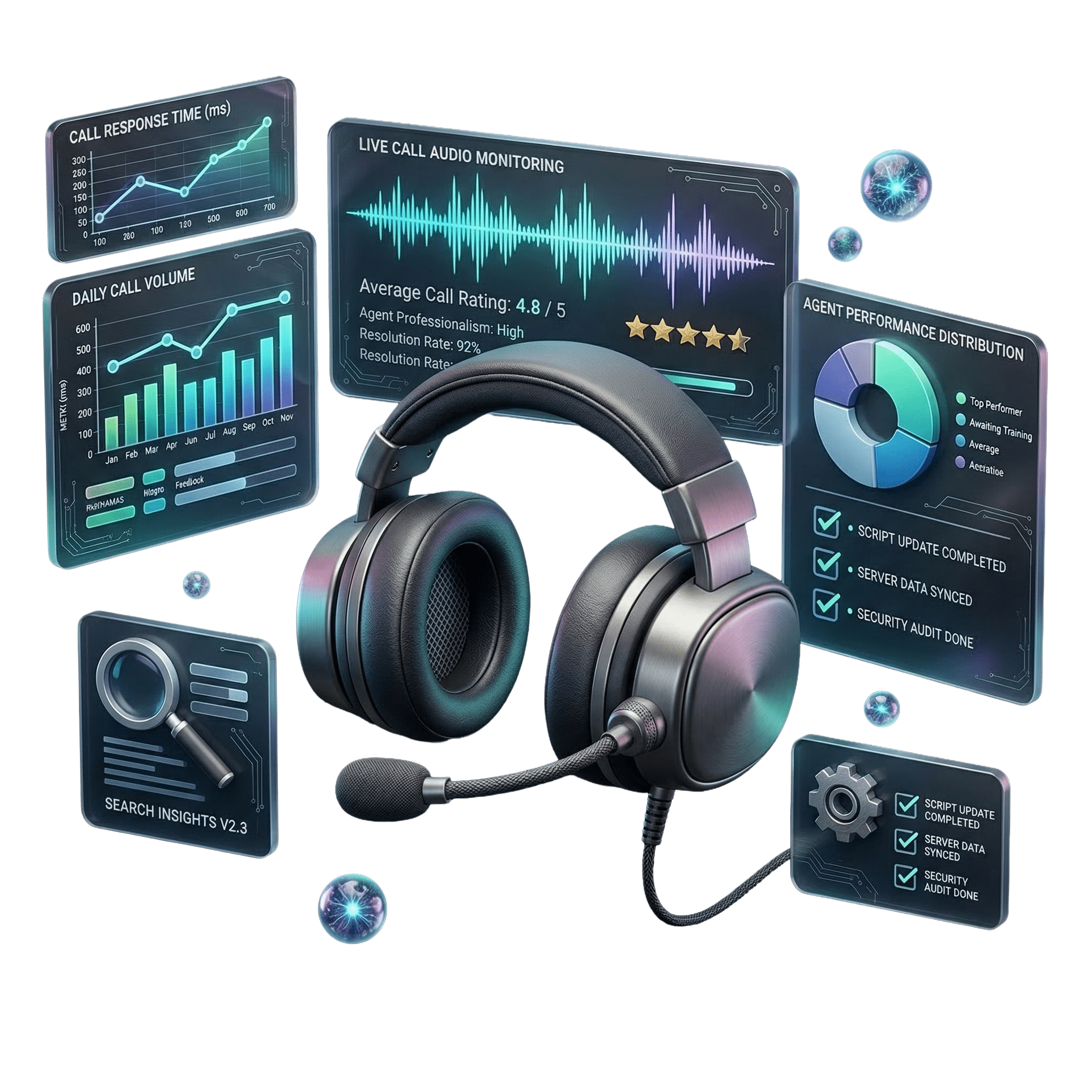
Every recorded call is automatically transcribed and analyzed. Get summaries, sentiment scores, key topics, and trends: no manual review.
AI 기반 IVR
Multi-level interactive voice response powered by AI voice recognition. Callers say what they need: the system routes them correctly every time.
Voicemail with AI Transcription
Voicemails are automatically transcribed and emailed to the right person. Read messages without listening to audio: faster follow-up guaranteed.
웹사이트 호출 양식
Embed a click-to-call widget on your website. Visitors enter their number, AI connects them to your team instantly: no app required.
Automatic Callback
When all agents are busy, callers request a callback instead of waiting on hold. The system calls them back automatically when an agent is free.
Inbound Calls
Every Caller Reaches the Right Person
Smart queues, ring groups, and routing rules ensure no call is lost and every customer gets to exactly where they need to go.
통화 대기열
Hold incoming callers in a prioritized queue with music, position announcements, and configurable overflow to voicemail or another group.
링 그룹
Ring all agents simultaneously, in sequence, or by availability. First to answer gets the call: no single point of failure.
Service Lines and Extensions
Dedicated service numbers for departments or teams, plus internal extension dialing across your entire organization.
회의실
Dedicated conference bridge with PIN access. Multiple internal and external participants can join the same call simultaneously.
Call Transfer and Forward
Blind or attended transfer to any extension or external number. Forward unanswered calls to mobile, voicemail, or another team.
블랙리스트 및 화이트리스트
Block unwanted numbers permanently. Create a whitelist of priority callers who skip the queue and connect directly to your team.
Outbound Campaigns
Reach Thousands Without Lifting a Finger
Automated dialers, mass SMS, and outbound campaigns that run while your team focuses on conversations that convert.
브로드캐스트 다이얼러
Upload a contact list and automatically call all numbers with a pre-recorded message or live agent connection. Ideal for notifications and campaigns.
예측 다이얼러
AI dials multiple numbers simultaneously and connects agents only to answered calls: eliminating idle time and maximizing talk time per hour.
대량 SMS
Send personalized SMS messages to your entire contact list at once. Supports templates, merge fields, and delivery tracking.
DISA(직접 내부 시스템 액세스)
Make outbound calls through your business number from any location. Your caller ID always shows your company number, not a personal one.
Virtual Numbers in Any Country
Get a local number in any country for outbound campaigns. Local caller ID dramatically increases answer rates on cold calls.
Campaign Management
Build, launch, and monitor outbound campaigns from one dashboard. Set schedules, retry rules, and completion targets with real-time stats.
Control and Monitoring
See and Control Every Call in Real Time
Record, monitor, and coach your team without missing a single detail. Full visibility over all calls, all the time.
통화 녹음
Automatically record all inbound and outbound calls. Recordings are stored securely, searchable, and playable from the dashboard.
Real-Time Call Monitoring
Listen to any live call in real time without the agent or customer knowing. Whisper coaching lets you guide your agent mid-call: only they hear you.
Live Call Dashboard
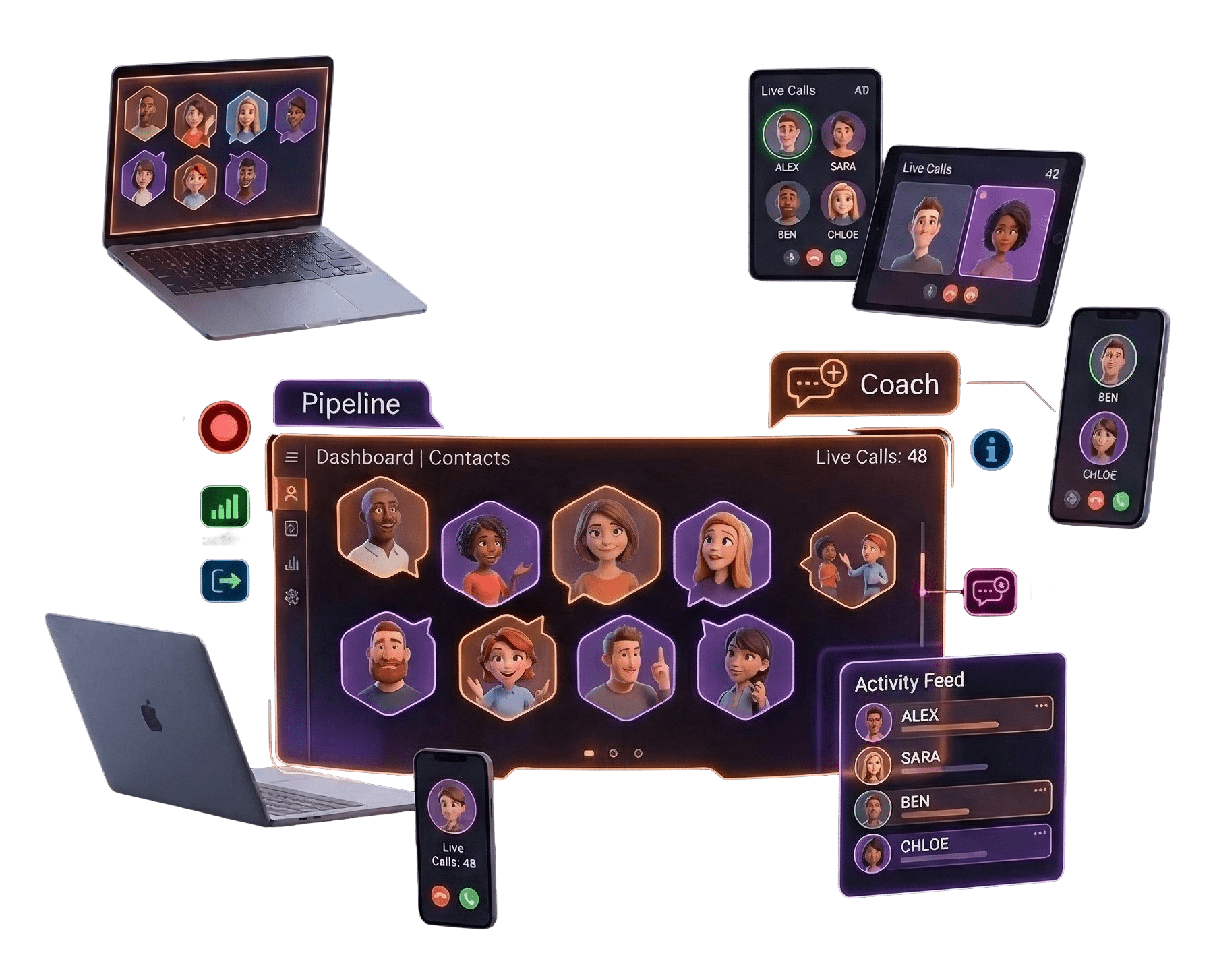
See all active calls, queued callers, agent status, and wait times in one real-time dashboard. Intervene instantly when needed.
Call Reports and CDR
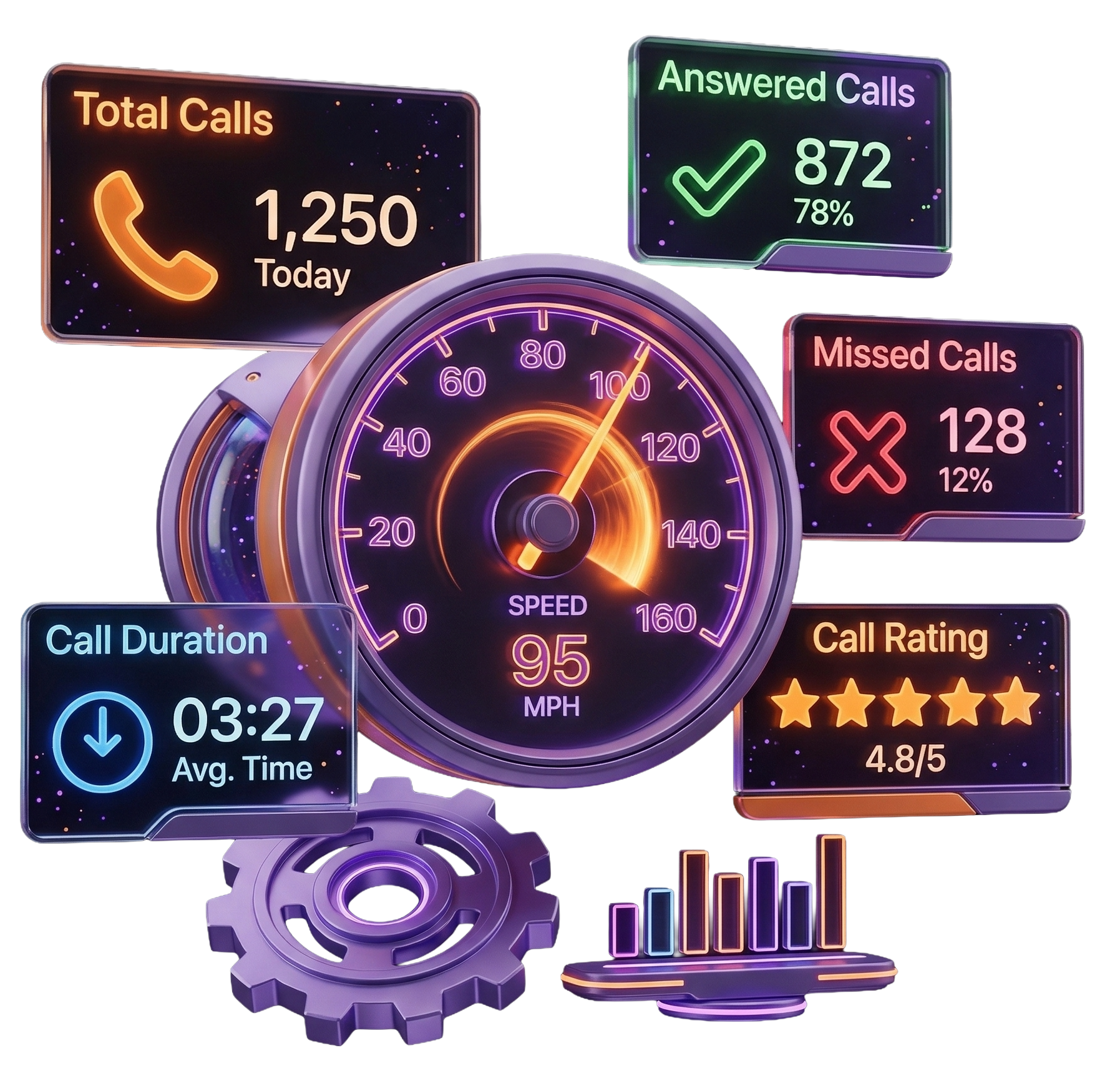
Full call detail records with duration, direction, agent, outcome, and recording link. Export to CSV or view interactive charts by time period.
Number Management
Buy, assign, and configure phone numbers per department or agent. Port existing numbers, set caller ID rules, and manage billing in one place.
Agent Permissions and Roles
Define what each agent can see, transfer, record, or monitor. Admins have full access; agents work within their assigned scope only.
Complete Feature List
All 57 Features Nothing Hidden
Every capability JotLink Phone System includes. Click any feature to see details.
The AI Voice Assistant answers every inbound call immediately, understands the caller's intent through natural language, resolves FAQs automatically, and routes complex requests to the right person. Works 24/7 with no human intervention required. Configure responses, escalation rules, and greeting scripts from the admin dashboard.
Every recorded call is automatically processed by AI: transcription, structured summary, sentiment analysis, key topic extraction, and action items. No manual review needed. View individual call reports or aggregate dashboards showing trends across your entire call volume. Export data to CSV for further analysis.
Build multi-level IVR trees with voice recognition at every node. Callers say what they need instead of pressing buttons, reducing friction and misrouting. Supports time-based routing (business hours vs. after-hours), holiday schedules, and automatic fallback to a live agent or voicemail when no intent is recognized.
Unanswered calls go to voicemail automatically. The AI transcribes every message and delivers both the text and audio recording to the assigned agent's email within seconds. Each extension has its own voicemail box. Set custom greetings per box, configure email delivery, and access all messages from the web dashboard.
Embed a call request widget on any page of your website. The visitor enters their number and clicks the button: the system calls them and simultaneously connects to your first available agent. Assign to a specific ring group, set business hours for the widget, and track all website-originated calls separately in your reports.
When all agents are busy, the system offers callers a callback instead of holding. The caller confirms, hangs up, and retains their queue position. When an agent becomes free, the system automatically dials the caller back. Configure the wait-time threshold that triggers the offer in your queue settings.
Incoming calls wait in a prioritized queue when all agents are busy. Callers hear hold music and periodic position announcements. Configure max queue depth, maximum wait time, overflow destinations, and priority rules. Agents join and leave queues dynamically from their softphone or desk phone.
Assign agents to ring groups and define how calls distribute among them: simultaneous ring, round-robin, sequential, or least-busy. Set a ring timeout so unanswered calls cascade to voicemail or another group. Agents can be in multiple ring groups with different priorities per group.
Assign a dedicated phone number to each department, product line, or campaign. Each service line has its own greeting, routing logic, queue, and reporting. Callers always reach the right team without going through a central switchboard. Multiple service lines can share the same agent pool.
Every employee gets a personal extension number for free internal calling. Extensions work across all devices: desk phone, mobile app, or desktop softphone. Calls between extensions are always free regardless of location. Assign extensions to queues, ring groups, or direct service lines.
Transfer active calls to any internal extension or external phone number. Choose blind transfer to connect immediately or attended transfer to announce the caller first. Transfer mid-conference, transfer from mobile to desktop, or transfer to an external consultant: all without dropping the call.
Dedicated conference bridges with unique dial-in numbers and PIN codes. Internal team members and external clients or partners can all join the same call. The conference host can mute individual participants, remove disruptive callers, and add new participants during the call. Create unlimited conference rooms from the admin panel.
Define routing rules that change automatically based on time of day, day of week, and custom holiday schedules. Business hours calls go to your live team; after-hours calls route to voicemail, the AI assistant, or an on-call extension. No manual switching: the system handles it automatically every day.
Block specific numbers permanently so they never reach your team: useful for known spam callers or abusive numbers. Whitelist priority clients so their calls skip the queue and connect immediately to a designated agent. Manage both lists from the admin panel with instant effect on all incoming traffic.
Receive and reply to SMS messages on any of your business numbers. Inbound texts appear in the agent dashboard alongside calls. Assign SMS handling to specific agents or shared queues. Full message history is retained per contact. Agents reply from the web panel or the JotLink mobile app.
Park an active call in a numbered slot so another agent can pick it up from any extension. Useful for handing off to a specialist without transferring directly. The parked caller hears hold music. Any agent who knows the slot number can retrieve the call instantly.
Control what caller ID is displayed on outbound calls per extension, queue, or campaign. Show your main business number, a department number, or a local number matching the customer's region. Inbound calls display caller name if the number matches a CRM contact.
Replace default hold beeps with your own branded audio. Upload MP3 files for hold music, queue waiting, and parking slots. Assign different audio per queue or department. Add promotional messages between music tracks to inform waiting callers about your services.
Get instant email or SMS alerts when you miss a call or receive a new voicemail. Notifications include the caller's number, timestamp, and a direct link to listen to the voicemail. Configure notification rules per extension or queue so the right person is always alerted.
Track real-time and historical performance for each call queue: average wait time, call abandonment rate, service level percentage, longest wait, and total calls offered vs answered. Use this data to adjust staffing levels and queue parameters for better customer experience.
Build multi-level IVR menus with unlimited depth. Each level plays a custom greeting and waits for keypad input. Route callers to queues, extensions, voicemail, or another menu level based on their selection. Use the visual drag-and-drop editor to build and test your call flow before going live.
When an agent answers a queued call, they hear a short automated message before the caller is connected — for example: "Sales call from New York." This gives agents a moment to prepare and switch context before the conversation starts. Configure the whisper message per queue.
Automatically play a satisfaction survey after every call ends. Callers rate their experience by pressing a number on their keypad. Results are logged per call and attributed to the handling agent. View average satisfaction scores per agent, queue, and time period in the Reports dashboard.
Define your business hours schedule and automatically route calls to different destinations based on the time of day. During hours: send to queue or agent. After hours: play a closed message and route to voicemail. On holidays: use a custom holiday schedule with separate routing. Multiple time conditions can be stacked for complex coverage rules.
Upload a contact list and launch an automated outbound calling campaign. The system dials all numbers in the list, plays a pre-recorded message or connects to a live agent when answered. Set calling hours, retry rules for unanswered numbers, and maximum simultaneous call limits. Real-time dashboard shows answer rates, completed calls, and failures.
The predictive dialer uses AI to calculate the optimal number of simultaneous dials based on agent availability and historical answer rates. Agents spend nearly 100% of their time talking to real people: no waiting for rings, no voicemails, no busy signals. Automatically skips disconnected numbers, answering machines, and fax tones.
Send personalized SMS messages to hundreds or thousands of contacts simultaneously. Use merge fields to personalize each message with the recipient's name, company, or other data from your CSV. Delivery reports show sent, delivered, and failed status per number. Replies come in as inbound SMS to your dashboard.
Direct Inward System Access lets employees make outbound calls through the company phone system from any phone or location. Call the DISA number, authenticate with your PIN, and dial your destination. The recipient always sees your company caller ID: never your personal mobile number. Useful for remote workers and traveling staff.
Manage all outbound campaigns from a single dashboard. Create broadcast, predictive, or SMS campaigns. Upload contact lists, assign agent pools, set daily calling windows, define retry logic for unanswered numbers, and launch on a schedule. Monitor live progress with real-time charts for answer rate, agent occupancy, and completion percentage.
Click any phone number on a webpage or in your CRM to dial instantly through JotLink. No manual dialing, no copy-paste. The browser extension detects phone numbers automatically and turns them into clickable links. Works with all major CRMs and any webpage.
When the system detects an answering machine during an outbound campaign, it automatically drops a pre-recorded voicemail message without tying up an agent. Agents move on to the next live call immediately. Voicemail drop dramatically increases agent productivity during outbound campaigns.
Schedule a callback for any contact at a specific date and time. The system automatically alerts the assigned agent and dials the number at the scheduled moment. All scheduled callbacks appear in the agent's task queue with contact notes. Missed callbacks are flagged for follow-up.
Record every call automatically: inbound, outbound, or internal. Configure recording per queue, per extension, or globally. All recordings are stored securely in the cloud with no storage limit on standard plans. Play back directly in the browser, download as MP3, or feed into AI Analytics for automatic transcription and summary.
Supervisors can join any active call in three modes: listen silently without anyone knowing, whisper to the agent so only they hear the coaching, or barge in as a full participant. All three modes are available from the Live Calls dashboard with a single click. Essential for training new agents and handling escalations in real time.
The live dashboard shows every active call, queued caller, agent availability status, and current wait times updated in real time. Supervisors see the full picture at a glance: who is on a call, how long each caller has been waiting, which agents are idle, and how many calls have been handled today.
Every call generates a detailed record with: timestamp, duration, caller number, agent handled, queue or extension, call direction, disposition, and a direct link to the recording. Filter by any combination of these fields. View aggregate charts by time period, agent performance, or queue load. Export all data to CSV for external reporting.
Detailed per-agent performance metrics for any time period: total calls answered, average handle time, average talk time, missed calls, wrap-up time, and first-call resolution rate. Compare agents on a single chart, identify top performers and coaching opportunities, and track improvement over time.
Control what each user can see and do. Admins have full access to all settings and reports. Supervisors can monitor their team's calls, view reports, and coach agents. Agents see only their own call history and queue status. Custom permission sets available for complex organizational structures.
Connect JotLink to any SIP-compatible carrier or existing PBX hardware. Keep your current carrier contracts while gaining all JotLink features. Useful for transitioning from a legacy system gradually, or for using a preferred carrier for international call rates.
Full REST API for programmatic control of your phone system. Initiate calls, manage extensions, query call history, and configure routing rules from your own applications. Webhooks deliver real-time event notifications to your server when calls start, end, or are missed. Ideal for CRM integration and custom workflows.
Use JotLink from any device with no desk phone required. The desktop app runs on Windows and Mac; the mobile app works on iOS and Android. A browser-based softphone requires no installation at all. All devices ring simultaneously and you can switch mid-call between them.
Display live call center metrics on a large screen or TV for the whole team to see. The wallboard shows active calls, agents on calls, queue depth, average wait time, and today's total calls handled. Auto-refreshes every few seconds. Open the wallboard URL in any browser in fullscreen mode.
Agents set their availability status: Available, Busy, On Break, or Do Not Disturb. Status is visible to supervisors on the Live Dashboard and to teammates in the internal directory. Calls to a DND extension go directly to voicemail. Supervisors can override status in emergency situations.
Protect all admin and agent accounts with two-factor authentication. Users confirm login with a one-time code from an authenticator app or SMS. Admins can enforce 2FA for all users or specific roles. Sessions expire automatically after a configurable inactivity period.
Set threshold-based alerts so supervisors are notified the moment a KPI goes out of range. Alert on queue depth exceeding a limit, wait times passing a threshold, too many missed calls in an hour, or too few agents logged in. Notifications arrive by email or in-app in real time. Prevent SLA breaches before they happen.
Purchase local, mobile, or toll-free phone numbers in any country directly from the admin panel. Numbers are provisioned instantly. Assign to any service line, IVR, ring group, or extension. Manage billing, renew, or release numbers from the same screen. Supports number porting for existing numbers.
Bring your existing phone numbers to JotLink without losing your established caller relationships. Submit a porting request with your current carrier details and Letter of Authorization. Numbers continue working on the old carrier until porting completes. Track port status in real time from your dashboard.
The JotLink app works as a full-featured softphone on iOS, Android, Windows, and macOS. Make and receive calls, transfer, hold, conference, and record: all from your laptop or phone. No SIP configuration required. Agents working remotely have the same capabilities as those in the office.
Connect any SIP-compatible desk phone, IP phone, or existing SIP gateway to JotLink. Generate SIP credentials from the admin panel, enter them into the device, and it registers automatically. Supports Yealink, Grandstream, Poly, Cisco, and all other major SIP hardware brands. Keep using existing phones while gaining all JotLink cloud features.
Call any mobile or landline number in over 200 countries directly from your JotLink extension. Rates are transparent and per-minute with no hidden fees. Purchase prepaid call credits from the billing panel. Internal calls between JotLink extensions are always free regardless of country.
Create an extension for every user in your organization. Extensions can be 3 or 4 digits and call each other for free. Each extension gets its own voicemail, call forwarding rules, and availability status. Assign extensions to SIP desk phones, the softphone app, or both simultaneously.
Purchase toll-free numbers so customers can call your business at no cost to them. Available in 800, 888, 877, 866, 855, and 844 prefixes. Toll-free numbers are provisioned instantly and can be assigned to any IVR, queue, or extension. Inbound call costs are billed to your account at standard rates.
Purchase local numbers in virtually any city or region to establish a local presence for your business. Customers in that area see a familiar local caller ID when you call them, which significantly improves answer rates. Manage dozens of local numbers from a single account and route each one independently.
Enable SMS and MMS on your JotLink business numbers so customers can text you on the same number they call. Agents manage text conversations from the JotLink app alongside their calls. Supports inbound and outbound text messages, images, and file attachments. Full message history is logged per contact.
Keep agent personal numbers completely hidden from customers. All outbound calls display your business number as the caller ID regardless of which device the agent uses. Configure different caller IDs for different departments or campaigns. Agents working from personal phones never expose their real number.
Forward calls from any extension or number to another destination: another extension, mobile number, or external landline. Find Me Follow Me rings multiple devices in a custom sequence so you never miss a call. Set forwarding conditions: always forward, forward when busy, or forward when unanswered after a set timeout.
Connect JotLink to your existing telecom carrier via SIP trunk and keep your current call rates and volume contracts. JotLink provides all its features on top while your carrier handles the underlying PSTN connectivity. Ideal for businesses with existing carrier commitments or preferred international routing agreements.
Get Started Today
Replace Your PBX In One Afternoon
No hardware. No technician. No downtime. Switch your business to JotLink Phone System and start taking calls in hours.